A beginners guide to choosing the best pictures for web design
Your website pictures can influence what people think about your site in seconds.
So choosing the right, high-quality images is a really important part of the web design process. Beautiful images will instantly elevate the feel and professionalism of your site, and make a big difference to how your business comes across.
I’m often asked how to go about choosing great pictures for web design, and where to find them.
Luckily there is a huge number of image resources out there for small businesses and freelancers, and I’m sharing some of my favourites in this blog - from free image sites to paid stock photography.
And in case you’re diy-ing your site, I’ve included the tried-and-tested steps I follow for optimising images.
Short on time? Jump to
What to consider when choosing pictures for web design?
Brand consistency
In 2025, the buyer journey is rarely linear. People might hear about your business through word of mouth, and then follow you on Instagram, before then clicking through to your website.
By keeping your image style consistent across your website, social media, and even emails, people can quickly see that they are in the right place. This builds confidence and trust in your business. A great way to do this is to make sure your image colours and style are similar across all platforms.
Storytelling through pictures
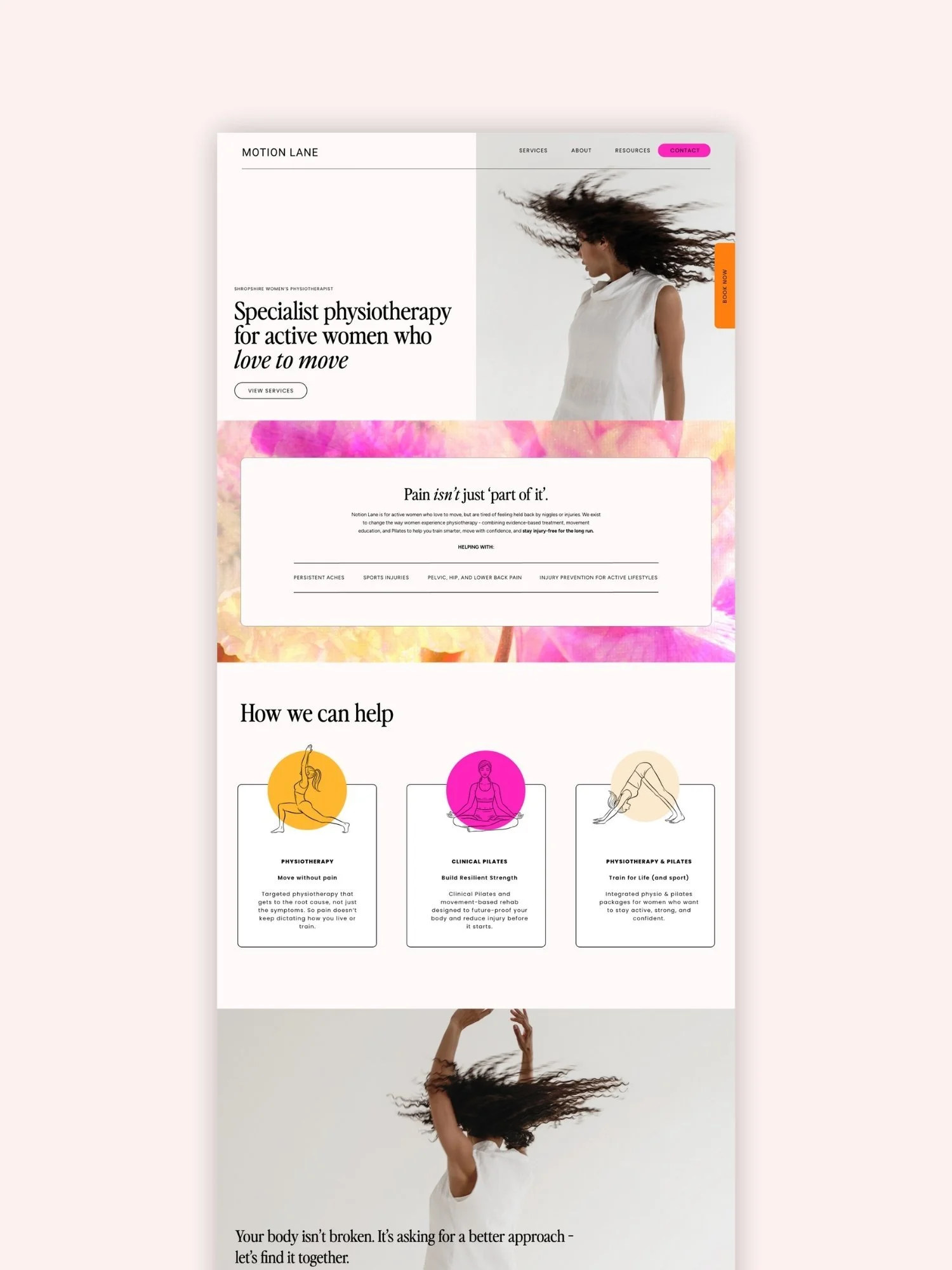
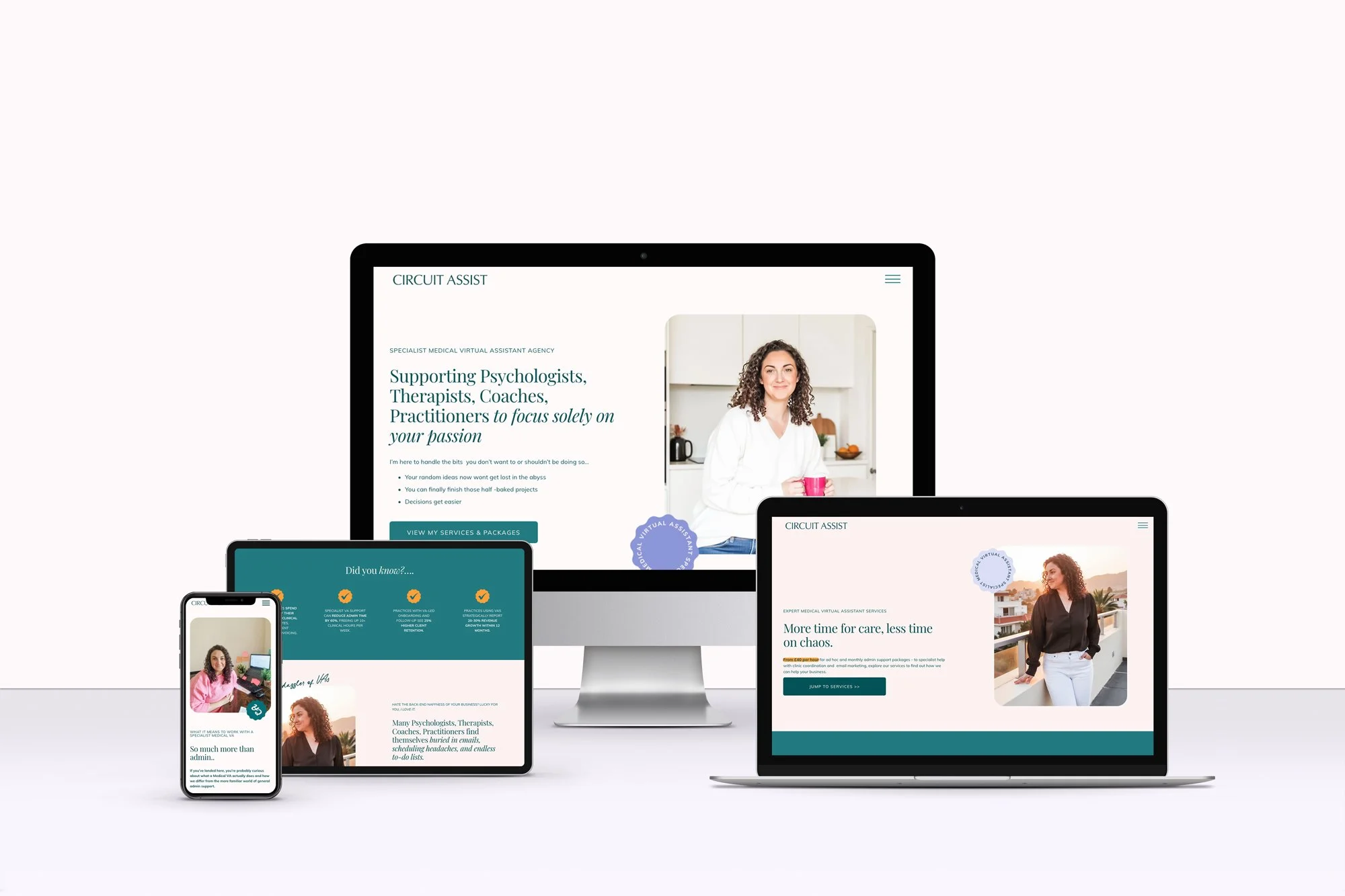
Choose pictures that help tell your story and make it easier for website visitors to quickly understand what you do. For example, on my site I include lots of website images and before-and-after snapshots, alongside action-style shots of me working to bring everything to life and make it feel more personal.
High-quality
It may sound obvious, but website images always need to be high quality - so avoid any blurry, out-of focus pictures. If you’re delivering a high-quality services, a poor quality image can really impact how you business comes across online
Inclusivity
Make sure your imagery is inclusive so all your potential clients are represented on your website.
Check legalities
As soon as an image is created, copyright starts. Licenses spell out exactly how you can use an image. Each type has its own rules on usage, sharing, and edits. I’m not a legal expert, but always make sure you’re clear about UK copyright laws for using images commercially.
It’s best to save copies of all your licenses and receipts incase anyone questions your right to use an image later.
Where to get great images for your website (free)
There aren’t loads of free images to be found on the internet, but here are a couple of my go-to resources I recommend for clients:
Unsplash
This is my favourite site for free images. Unsplash is known for offering beautiful, high-quality photography - and the images are more artistic and unique than your typical stock photo.
Pexels
Pexels is another of my go-to recommendations for free stock images. The quality is incredible, and they have a HUGE library of pictures. It’s great for anything from office scenes to healthcare images to abstract backgrounds.
Just be careful when using these websites: while these images are free to use, it’s always best to double-check the license hasn't changed (it rarely does, but better safe than sorry).
There is also the option to:
Take your own pics - of course, one option is to take your own photographs for your business. Some of my clients have done this and the results are absolutely brilliant. A quick google search will bring up loads of blogs and videos showing how you can do this well, and a short time on Pinterest will give you plenty of inspiration to get going. Here’s a board I’ve created packed full of ideas your can try to get you started.
Use AI - I feel I had to say something about free AI image generators like DALL-E or Midjourney. Whilst I know they can be tempting, I’d be cautious. Even if the software manages to avoid giving you an extra foot or hand (honestly, it happens), they still often have an AI-generated feel where something just feels off. Which is not what you want when you're building a professional brand.
Where to get great images for your website (paid)
Brand Photographer
For businesses with a larger budget (brand photography can cost anywhere from around £500 to £1000s) - you can hire a professional photographer to shoot custom images just for you.
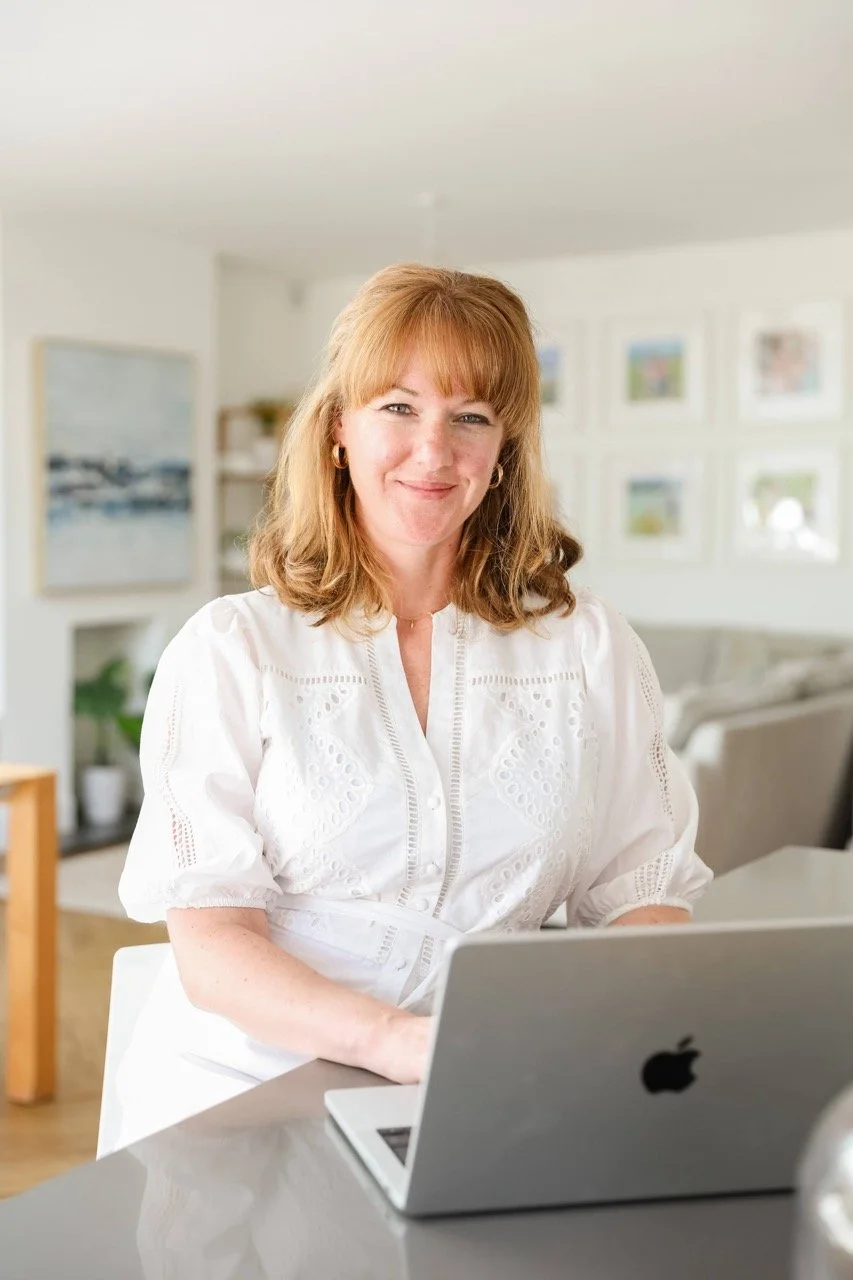
This is a great option to creating truly unique pictures, and it’s perfect for service-provider businesses who want to show their people. Plus you own the images.
I absolutely love the images Hester Barnes has captured for a couple of my clients (have a look at her work for Bella Executive Solutions below), but there so many incredible brand photographers out there, you’ll be spoilt for choice.
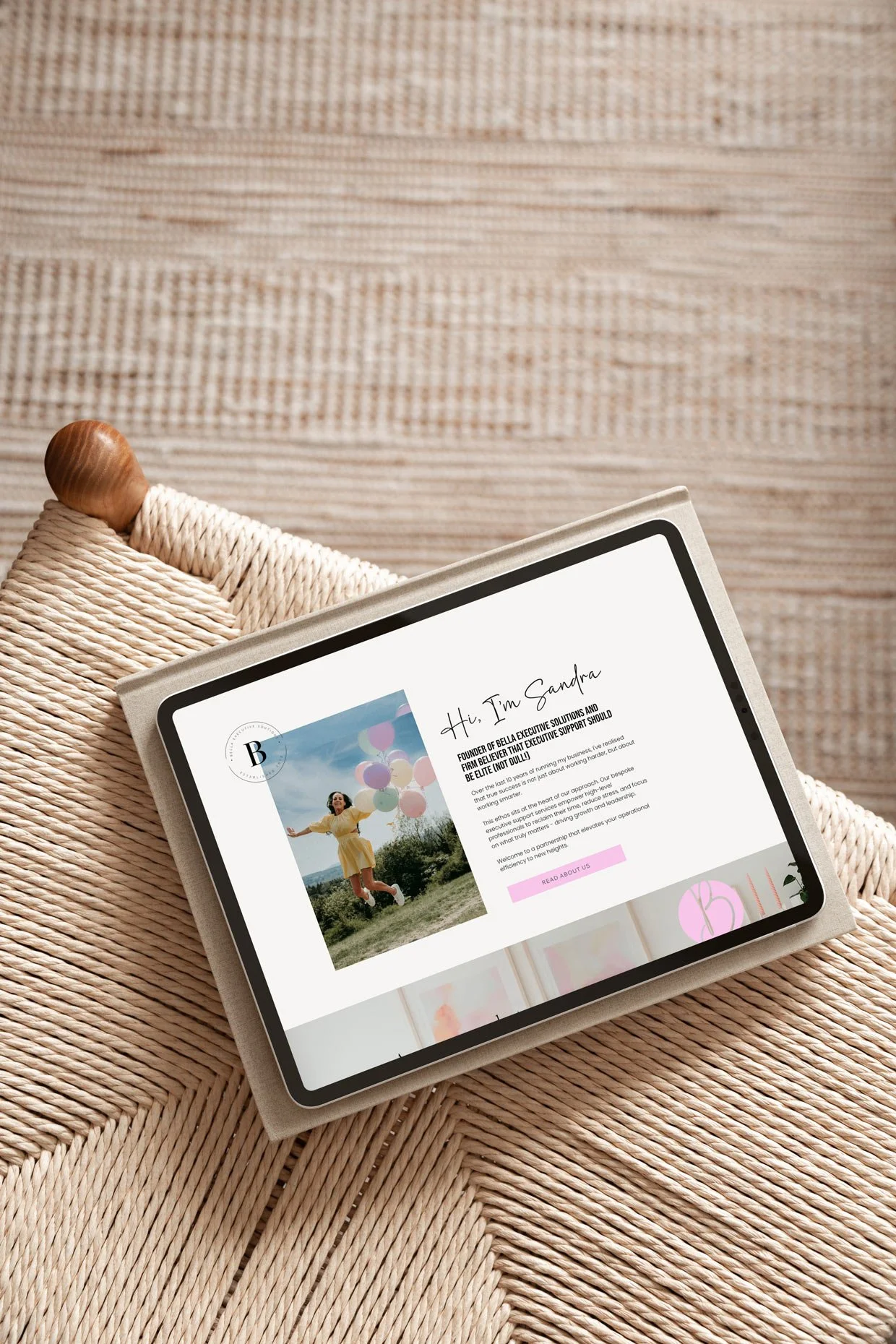
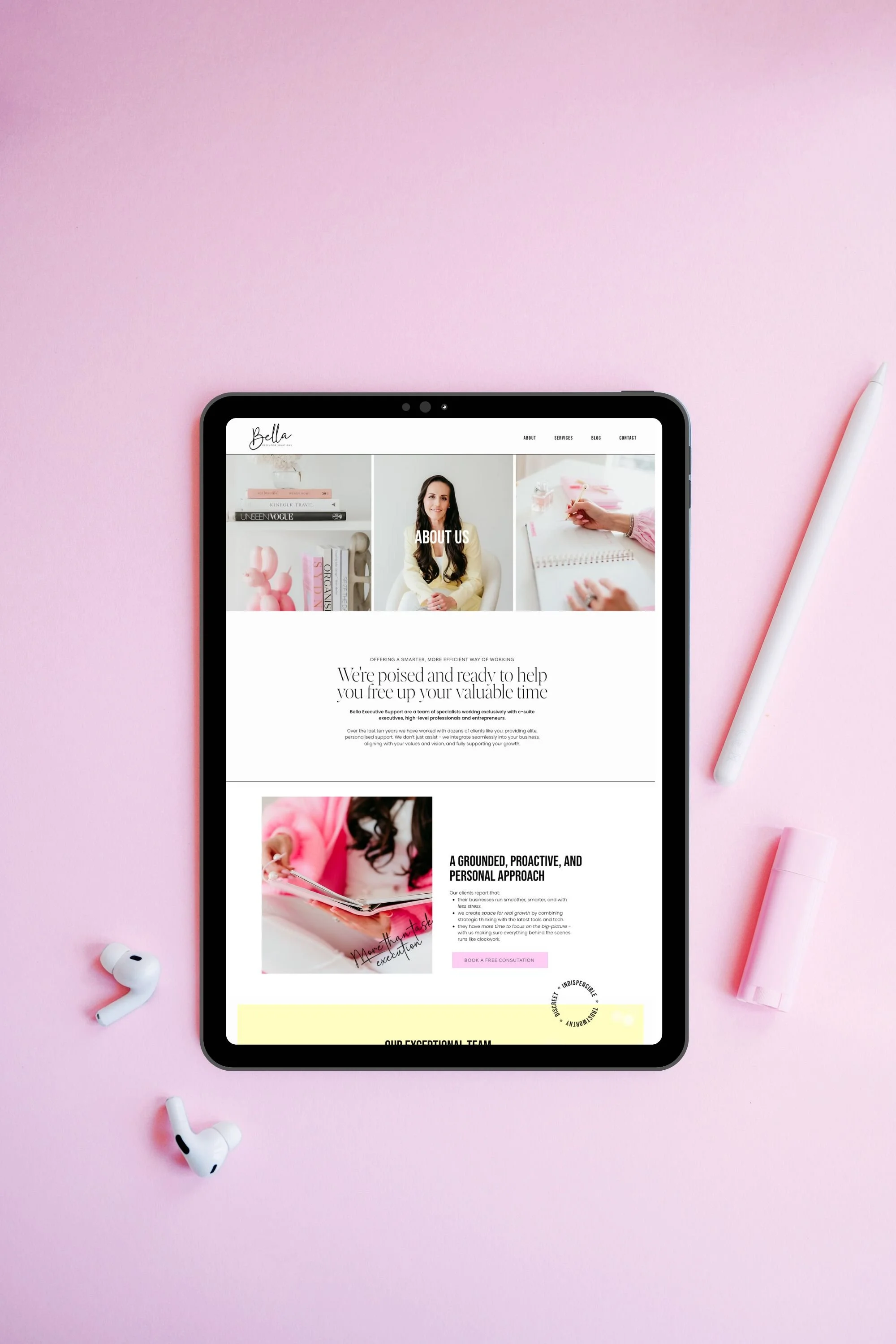

Brand photography DIY
If a brand photographer stretches your budget too far, there are also courses that teach you how to create great DIY brand photography, such as this one by the brilliant Rosie Parsons.
Styled stock photography
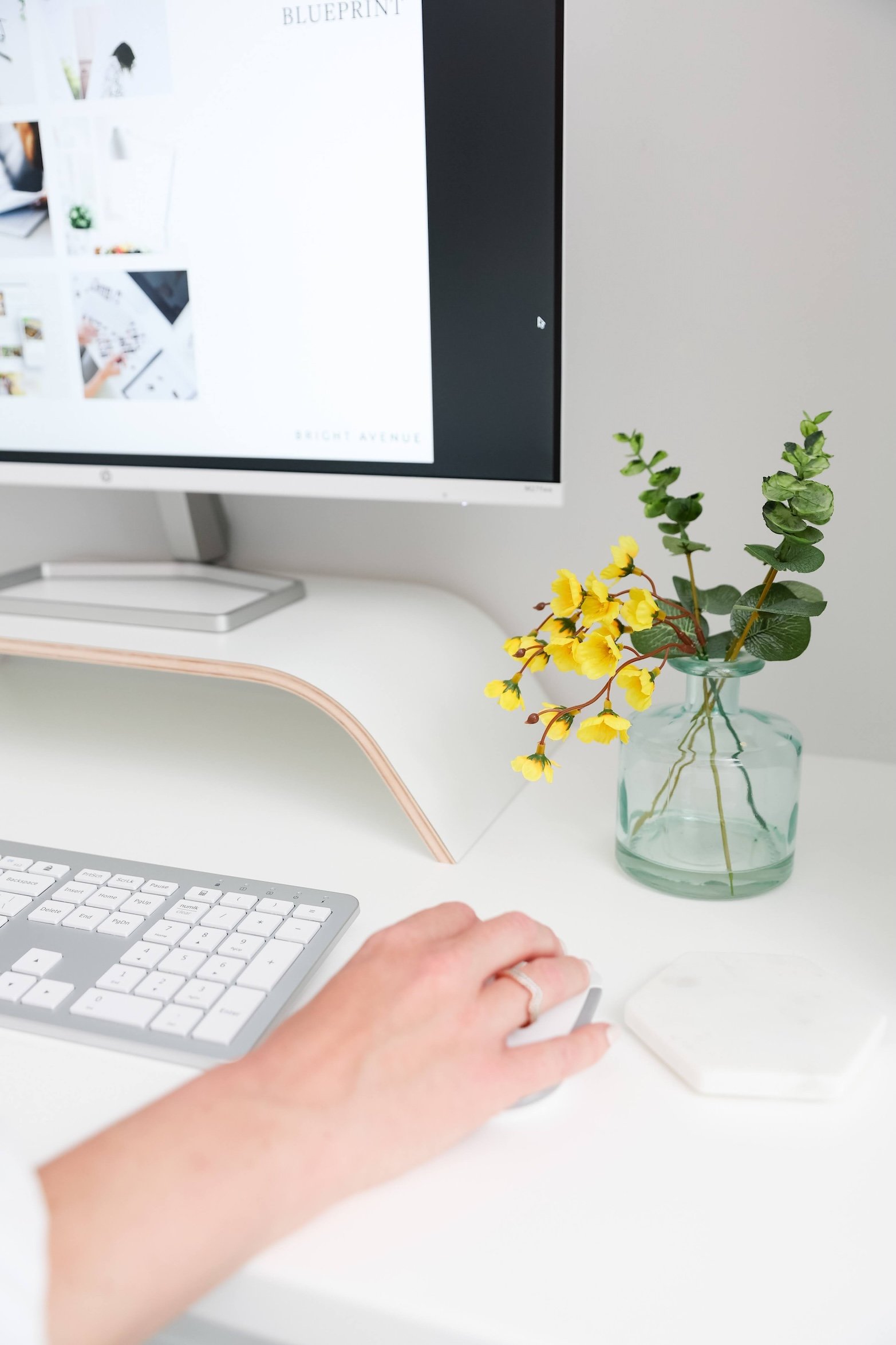
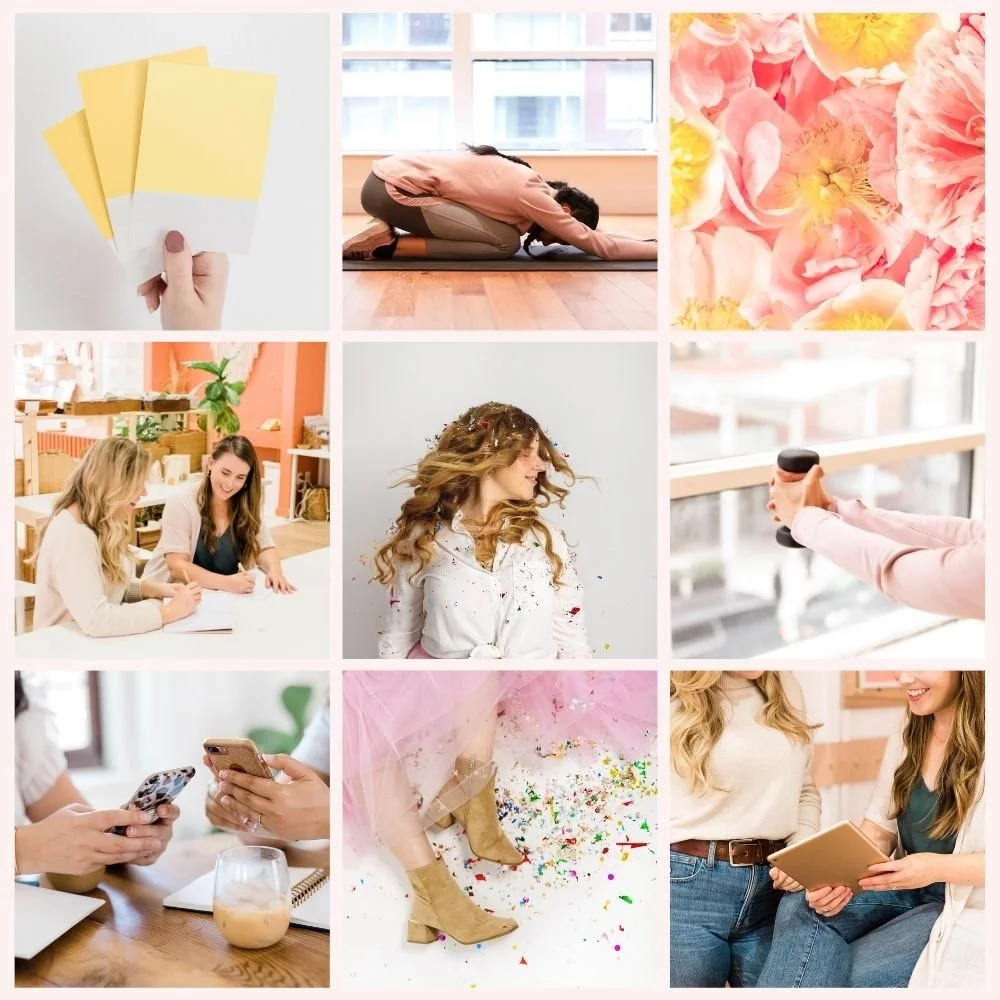
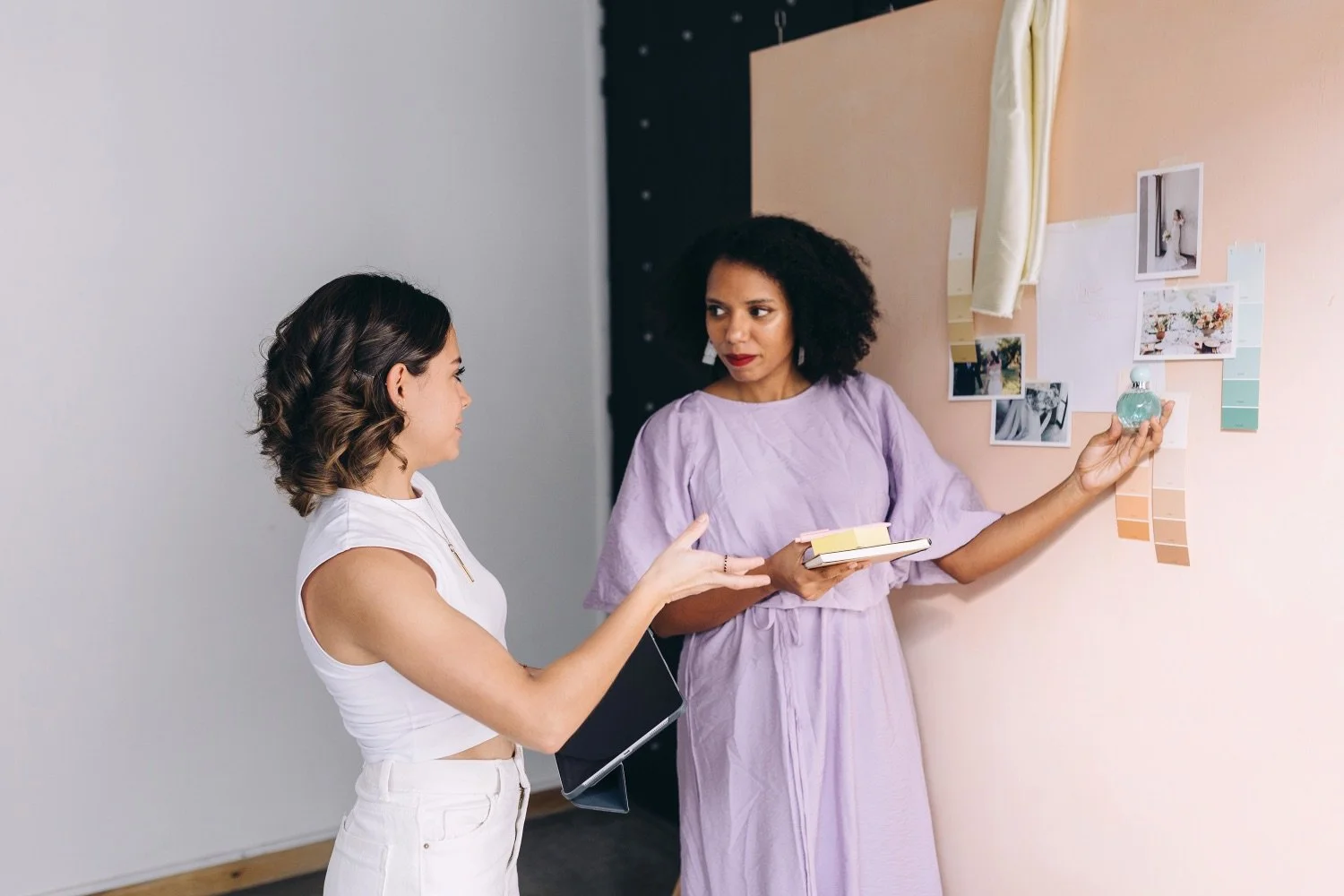
I love the clean, bright images from Style Stock Photography so much I’ve invested in a lifetime subscription. They’re my go-to images for my client projects. They regularly publish new collections and are absolutely brilliant for coaches, creatives, health professionals, VAs and lots more. I’d definitely recommend having a look (that’s an affiliate link, but I only recommend it because I really love the photos and use it all the time).
Styled stock images

Adobe Stock
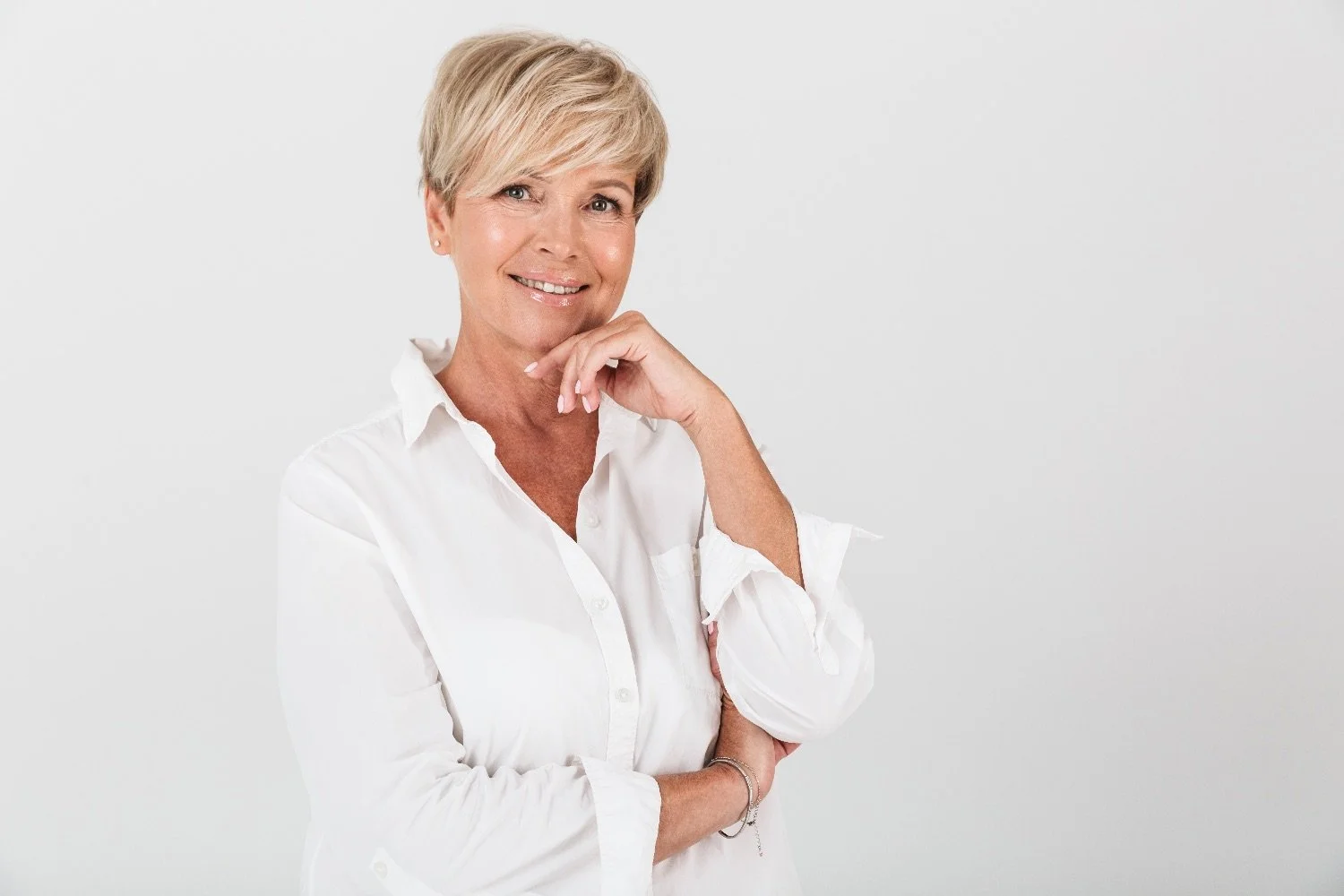
Adobe Stock is an image library offering a monthly subscription for businesses. This is another resource I use regularly when curating website images for clients. Their library of pictures is (if anything a little overwhelmingly) huge! But there really is something for everyone there.
The only word of caution around Adobe Stock is that, with so many images to choose from, it can be difficult to find images that look cohesive for your brand. My tried-and-tested approach is to select a large number initially, and then spend some time whittling the number down - focussing on selecting those with the most similar, cohesive styles.
Adobe stock images:

Creative Market
Creative Market is a wonderful resource for everything creative, including stock photography. Instead of a subscription, images licenses can be bought individually which is often more straightforward.
Other paid options
Here’s a few more ideas:
Death to Stock Photo - A great option if you want images that feel more artistic and less corporate.
Moyo Studio - I have a lot of images from Moyo Studio. They’re perfect for businesses that love clean, minimal lifestyle-led imagery.
How do I optimise website images? My tried-and-tested process
Once you’ve found beautiful pictures for your website, the next step is to optimise them.
Why do we optimise pictures?
Optimised images increase your site speed, improve your search engine optimisation (your chance of ranking in search engines such as Google) and making sure you website is accessible.
Which image format should you use?
As a rule of thumb, follow these guidelines below. For most website images, JPEG or WebP are best.
JPEG – good for photos or anything with a lot of detail
PNG – works best for graphics that need a transparent background
WebP – if you want smaller file sizes and are comfortable working with newer formats
Which size should my website pictures be?
Your images should be 1500 - 2500 pixels wide and all need to be under 500KB. Uploading an image that’s 5MB will make your website slow and clunky. Here is a great free resource from SquareStylist to for re-sizing large images quickly; there’s a video link on the right hand side which walks you through how to use it.
How should I name my images?
You should always name your files something that makes sense, like ‘hr-consultant-office.jpg’ instead of ‘img_001.jpg’. This helps search engines know what’s what.
What about alt text?
Alt text is something that’s often forgotten, but it makes a big difference. It helps two important groups:
Visitors using screen readers
Search engines trying to understand your images
Alt text is a short description explaining what’s in the picture, in a natural, human way. This doesn’t need to be complicated, just clear and accurate. For example:
Female HR consultant wearing a pink suit working at a desk
Yoga teacher leading a class in a bright studio
There’s no need to add in phrases like ‘image of…’ - just write what you see. Taking a few extra seconds to add alt text to every image not only improves accessibility, it also gives your website a little SEO boost at the same time. There are free tools for creating AI descriptions you can use such as this one from Tailwind.
Summary of steps to follow
| Step | Action | Benefit |
|---|---|---|
| 1 | Resize to 1500–2500px wide | Loads faster |
| 2 | Compress the file using Pixresize | Better performance |
| 3 | Use descriptive filenames | SEO boost |
| 4 | Add alt text | Accessibility and SEO |
I offer an image curation service as part of all my web design packages. If you’d like to learn more about how I can help with your business’ website, you can explore all my services here:
Other blogs by Bright Avenue you may like to read: