Where do I start? Physiotherapist website guide (with examples)
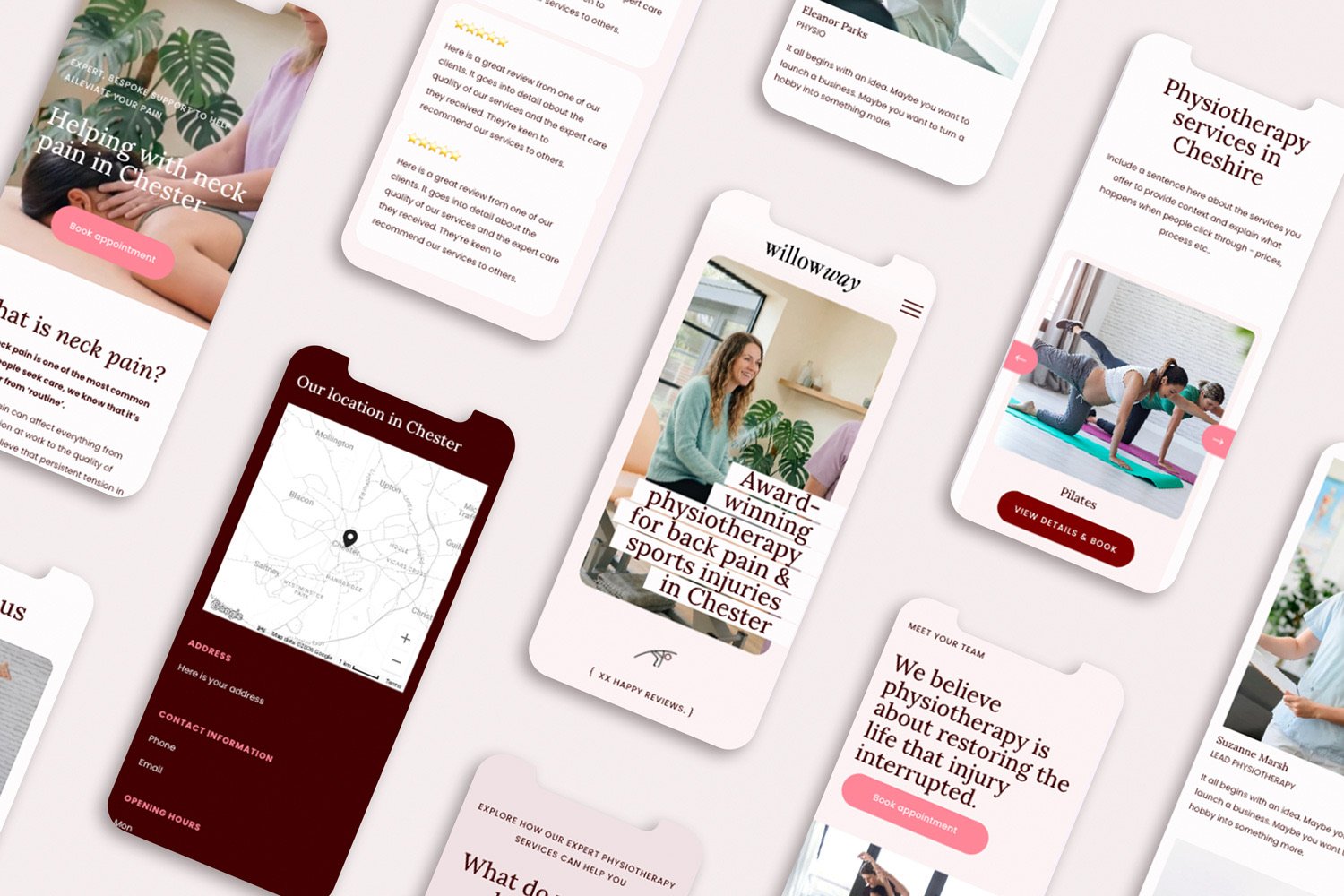
If you’re a physio, focusing on running your clinic whilst keeping up-to-date with industry best practice and delivering exceptional client appointments takes a huge amount of time.
And perhaps your website has been sitting on your to-do list for longer than you’d care to remember.
This post is for any physiotherapist thinking, “I know I need a website… I just don’t know where to start”.
Physiotherapist website guide
Keep reading for a practical guide - walking you through all the key decisions you need to make for your new physiotherapist website. I’ll answer lots of the questions I hear regularly as a web designer.
So regardless of your situation - whether you’re:
opening a new clinic
growing a team, or
moving on from a DIY site…
...I’ll be giving you a step-by-step process to follow to make the key decisions and get your new website well and truly off the ground!
Step 1: Choose between a DIY or professional physiotherapist website
This is one of the first decisions for anyone designing or re-designing their website. Should you outsource the task to a professional web designer, or create it yourself? And honestly, my advice is: it depends where your business is right now.
As a general rule, I’d recommend the following:
It’s a good idea to DIY your website if:
You’re opening a brand new practice
Your setup is very simple
Budget is tight - and at this point in your business, you just need something live
You have the skills to create a website (or are happy spending time learning these)
There are ways to make DIY-ing your website easier - including using a template - and this option might work well, especially if you just need something to ‘do the job’ at this point.
It’s better to hire a professional web designer for your physiotherapist website if you:
Simply don’t have time (or desire!) to learn the skills to build your website yourself
Are busy focussing on other areas of your business and you:
- would like web design support so you’re confident that the decisions you’re making around your content, layout and overall visual direction are the right ones.
- feel overwhelmed by all the elements of web design
Need support optimising your website to be found in search engines (SEO)
Started with a DIY site but it’s starting to hold you back as your business grows
Something else worth considering is this… working with a web designer doesn’t always have to involve an expensive, fully custom site. Some web designers offer a more affordable semi-custom website service where they customise a template to fit your business and brand.
I offer this through my Illuminate service, where I customise a premium, strategic template I have specifically created for physiotherapists. This gives you a contemporary, client-focused, SEO-optimised website that has been intentionally designed to convert visitors to booking. You can find all the details you need here.
Step 2: Choose which platform to use for your physiotherapy clinic website
Secondly, you need to decide which website platform to use for your physiotherapist website.
There are a huge number of options out there to consider. My experience is that the choice can feel slightly overwhelming - but generally if you focus on your top industry players you can’t go wrong.
Before we look into your options - here are my top three must-haves when choosing a platform your new online home:
It must be easy-to-update and maintain - for busy physiotherapists delivering client appointments, being able to quickly update your site with opening hours, your services, team members is absolutely essential (because I’m sure you don’t have a spare hour to spend updating a small item on your website).
Prioritises mobile-friendly views - as a lot of your patients will be searching on phones
Has built-in strong, easy-to-manage local SEO foundations - because a lot of your future clients will be looking for local services in search engines and you need to be showing up!
There are three strong players to look at for physios:
Squarespace - this gives you all of the above and more. More than anything, it’s really simple to manage and is flexible enough to evolve with your business if it grows or changes.
Wix - offers a free (branded with Wix) website option, and also slightly cheaper packages than Squarespace. It is easy to update - but a lot of my clients have found it slightly harder to learn and update themselves.
Wordpress - this is the world’s biggest website platform, and in my experience is best for all-singing-all-dancing websites who require bespoke memberships and complex CRM systems integrated…however it’s not as user-friendly and needs regular updating and ongoing care to avoid security concerns which takes time.
For physiotherapists I work with, Squarespace works well because it’s affordable, very reliable, secure - and easy to manage alongside a busy clinic.
Step 3. Decide what pages your physiotherapist website actually needs
Here’s some good news: your physiotherapist clinic doesn’t need a huge website. BUT you do need the right pages.
And this clear, practical set-up works well for most physiotherapists:
Homepage – an overview of who you help & how, and the conditions that you treat
About – your story, your approach & your team (if you have one)
Services – clear explanations of your services including appointment details
Contact – location, opening hours, directions
Next, you need to think about what you should put on your pages? Your website content needs to be clear, informative & expert - answering people’s most-asked questions and providing useful information so people can reach out with confidence. I’d always recommend including a FAQ section - this normally works well on your Services page.
You don’t need to write formally - but everything you include should build credibility in your services and help your visitors make a confident, informed decision about working with you.
Step 4: Integrate an easy, intuitive booking process
If there’s one thing your website needs to do well, it’s make it incredibly clear and straightforward for people to book.
Your clients may be in pain, short on time and generally feeling a bit overwhelmed. So it’s important that they don’t need to hunt around your website to figure out what they need to do next. This is regardless of whether you integrate a full booking system (although this is often unnecessary), link to your preferred booking platform - or simply guide visitors clearly to contact you.
Always include the following on your website:
A clear “Book an appointment” button.
Simple explanations of what happens next
Make your ‘Book an appointment’ button available fixed across all pages. An easy way to do this is to include it as a button in your website navigation panel at the top of your page. This needs to be ridiculously easy to find when people decide they’d like to book.
This will help to increase bookings without making your site feel too salesy.
Step 5: Add credentials & testimonials to build trust
Include your credentials
You definitely need to demonstrate your credibility on your website. In fact, it’s essential for building trust and encouraging bookings for your services.
You can significantly increase your credibility using the following:
Professional registration numbers (where required)
Association memberships (APA, HCPC, etc.)
Insurance mention (professional indemnity)
Privacy policy (HIPAA/GDPR compliant)
Terms & cancellation policy
testimonials
Have you ever checked TripAdvisor before booking a hotel to stay in? If so, you’ve seen first-hand the value, and amazing persuasiveness of testimonials. And on your website they make a huge difference to whether somebody books your services.
So how do you include them? If you’d like to keep it clean and simple you can simply copy and paste your client feedback into text blocks on your website. Or if you want to get a bit fancier (yippee!), you can create a scrollable carousel where users can click through a number of testimonials in one section.
Another option, if you already collect testimonials via sites such as TrustPilot or GoogleReviews (well done if you do - this is great for being found in Google searches) - is that you embed these reviews directly into your website. There are plugins available to do this, and they usually cost less than £3 per month. I love using Elfsight, and it’s incredibly simple to install.
Step 6: Include clinic branding, images & visuals to look professional (but not necessarily clinical)
Evidence shows that people feel a website before they start to analyse it.
So your website’s first impressions matter - and in healthcare especially, design plays a huge role in how credible and reassuring your practice feels.
How your website looks (that is your logo, font choice, colour palette, images etc.) will play a critical role in how successful it is at creating bookings for your clinic.
When your future clients land on your site, they will be looking for evidence that:
you know what you’re doing
you’ll take care of them
your practice feels safe
However, this isn’t to say that you have to go for a corporate, clinical vibe. In fact, you should be intentional about your design elements, so they’re conveying the feeling you’d like people to associate with your work.
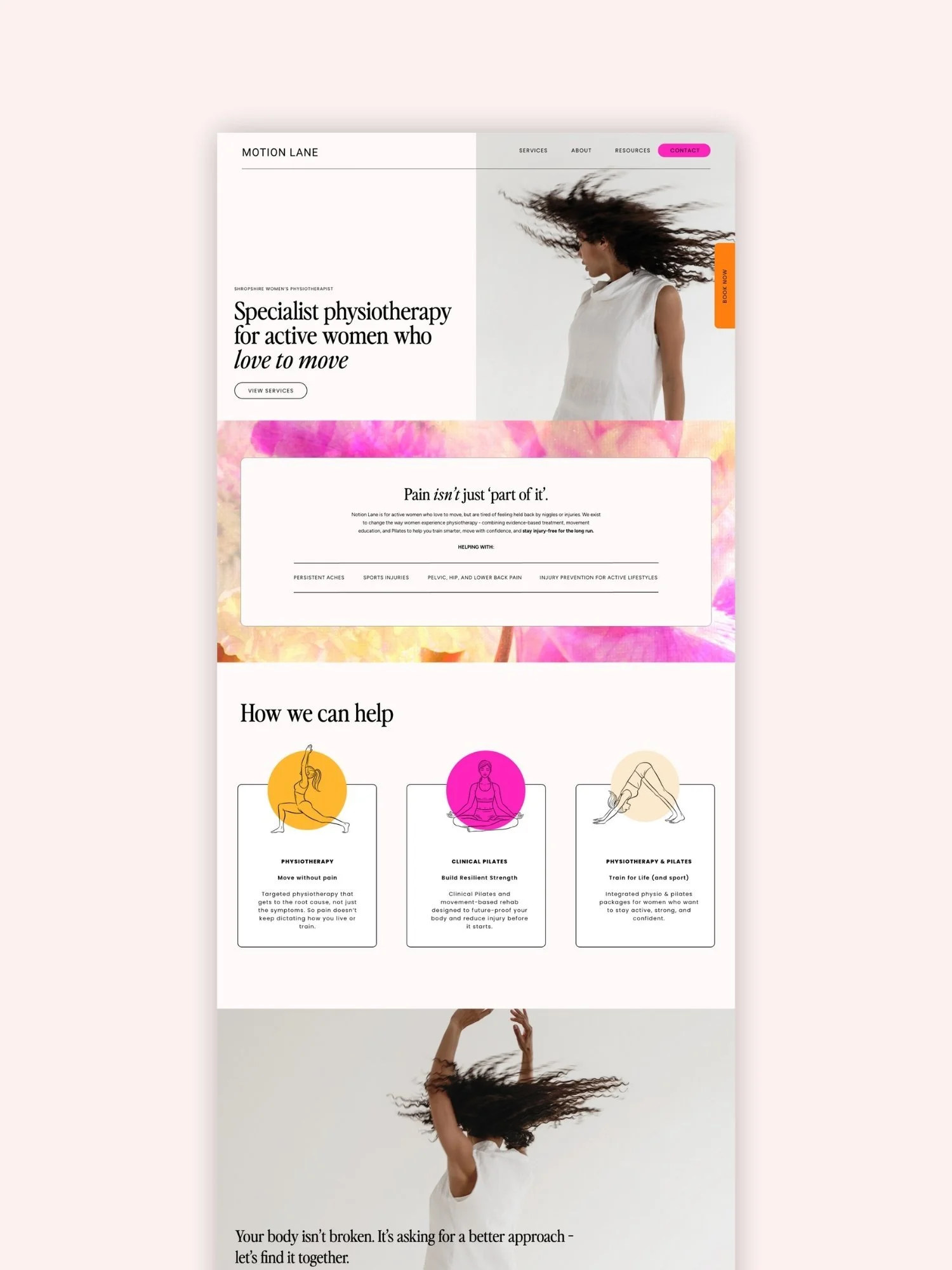
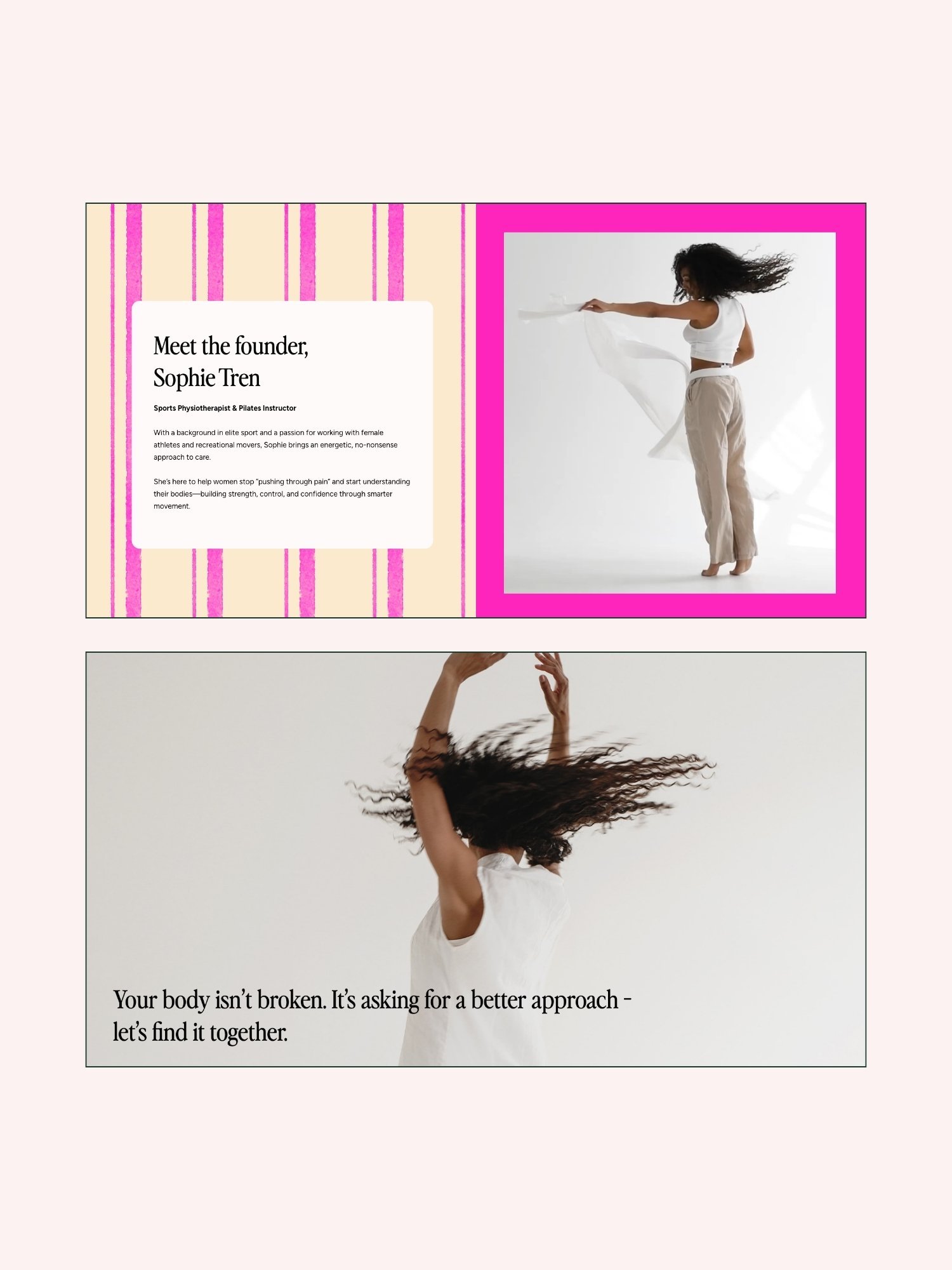
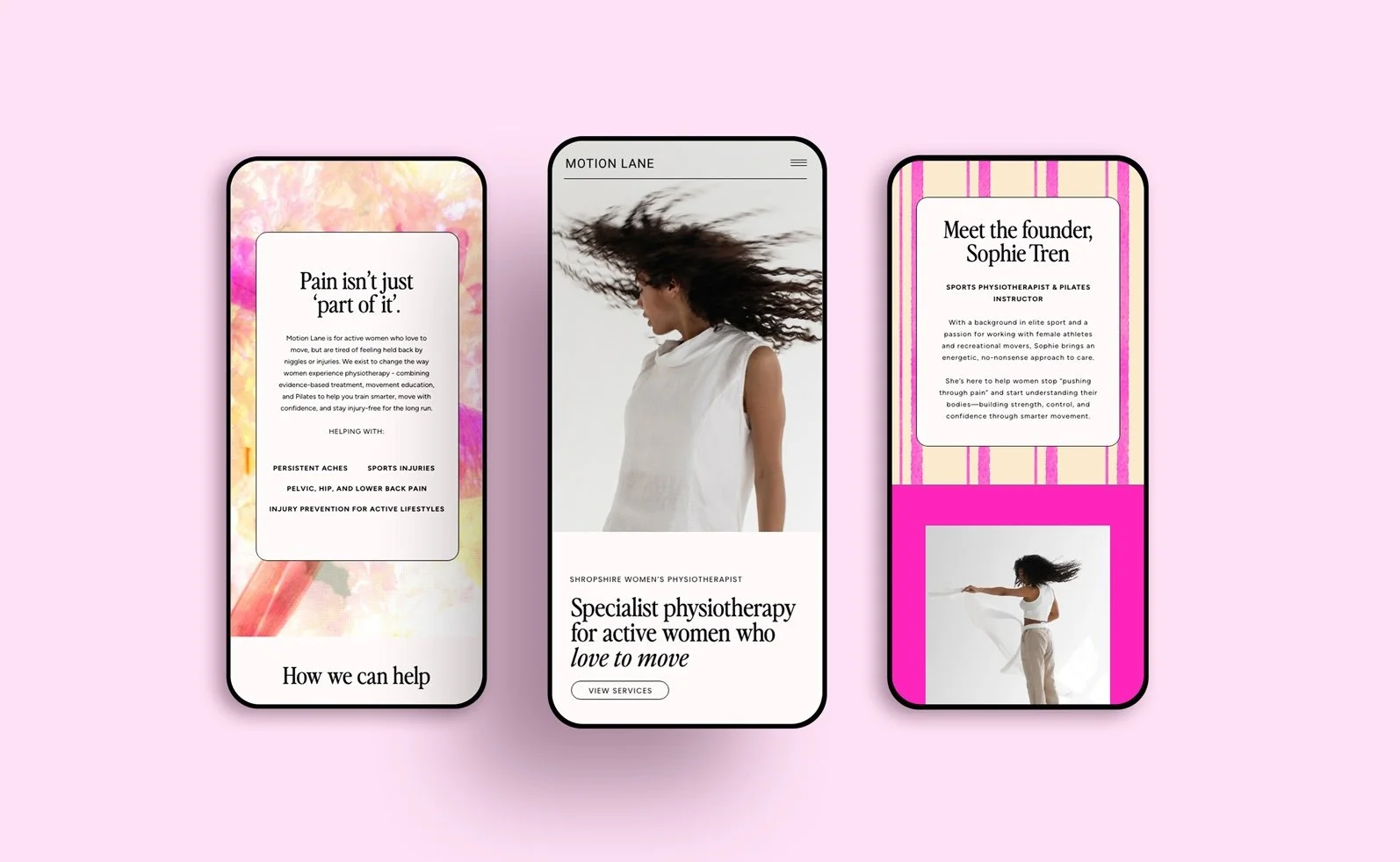
Here are some ideas of physio branding that is clean and professional - but also bright and positive, rather than clinical or cold:



Also a lot of clinic websites rely heavily on generic stock imagery (I’m sure you’ve seen this before - spines, skeletons, people pointing at backs!), and whilst this might feel familiar, it won’t necessarily build trust or connection with your future clients. And it won’t help you stand out against similar providers in your area.
So when it comes to physio branding for your site, I’d recommend the following approach:
Real photography that captures you, your team and the care you offer (rather than just anatomy!)
Content that reflects what you’re all about, and highlights anything that sets you apart from your competitors - whether that be your approach, your location, your values or your previous work
Choose a calm and uplifting colour palette / visuals that capture what makes your clinic unique
Choose a clear layout, with lots of space around each element so nothing feels cluttered
Step 6: Basic SEO & AIO for Physiotherapists: Helping people find you online
When you’re investing in a new website, a question you need to ask is: how are people going to find it?
Perhaps you’re going to send people to it from your social media accounts, Facebook Ads or a newsletter? Which is absolutely fine.
BUT if you’re hoping for your website to be found in search engines (Google, Bing etc) - or, increasingly - in AI searches such as ChatGPT, Perplexity etc - you’ll need to optimise your website for these to give it the strongest chance of being seen.
Search engine optimisation (SEO) and AI optimisation (AIO) can feel a little techy or overwhelming, but it really doesn’t have to be. My advice is that you don’t need to do everything, but you do need solid foundations.
For physiotherapists, the majority of the time local SEO is what matters most - that is, showing up when somebody searches for ‘Physiotherapist near me’ or ‘Physiotherapist in [enter location].
How to optimise your physiotherapy business for SEO and aio:
Set up a Google Business Profile
There are great tutorials available for how to set up your Google Business Profile. Here is a video that walks you through it. Once it’s set up, make sure you:
make sure the key details e.g. name, address and opening hours match the information you add to your website
ask clients to leave reviews (this shows Google that you’re trustworthy and worth recommending to future clients)
keep an eye on the information you’ve provided to make sure it’s always current.
Set up your website with SEO and AIO in mind
SEO and AIO is a huge area and this is by no means an exhaustive list - however, the following will set you up well for SEO
Use clear service and location wording on your site - including ‘Physiotherapist in [your area]’ wording in your website headings on your homepage
Utilise simple, well-structured headings across your website, always in chronological order (i.e. don’t jump from a Heading 1, to Heading 4)
Add a page SEO Meta Title and description that includes the words you think people will type into search engines for when looking for your services
Add alt text to your images (this supports accessibility too, as visitors that use screen readers will be able to hear what’s in an image)
Create fresh content for your website regularly, such as through a news or blog page.
Step 7: Keep your website up-to-date
Once your website is live, it needs some ongoing TLC to keep it working hard for your business. Review the following once a month or bimonthly to check they are still up-to-date:
your opening hours
your services / deliverables
team changes
your blog/news page
Updating your website can be easy to forget about when you’re busy with the day-to-day running of your clinic. If you’d like some ideas of how to make this more manageable - here’s an article I wrote with lots of tips and tricks for keeping your website feeling fresh and current.
Physiotherapist website examples
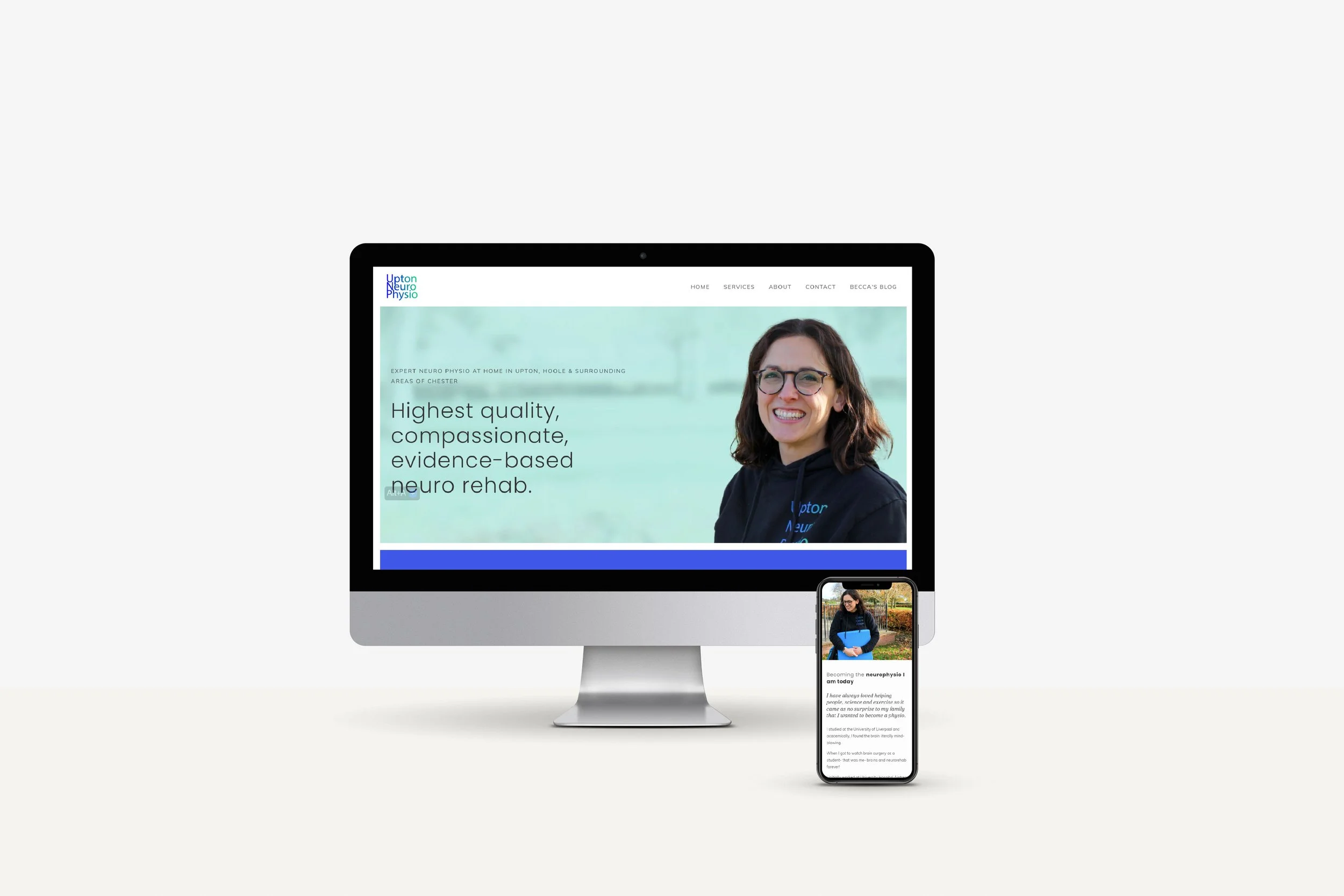
I can’t say enough - a physiotherapist website doesn’t need to be dry, boring and lacking personality. Here are a couple of examples of physiotherapist websites with very different aesthetics, but they both feel fresh, warm and modern.
motion lane - Concept physio website
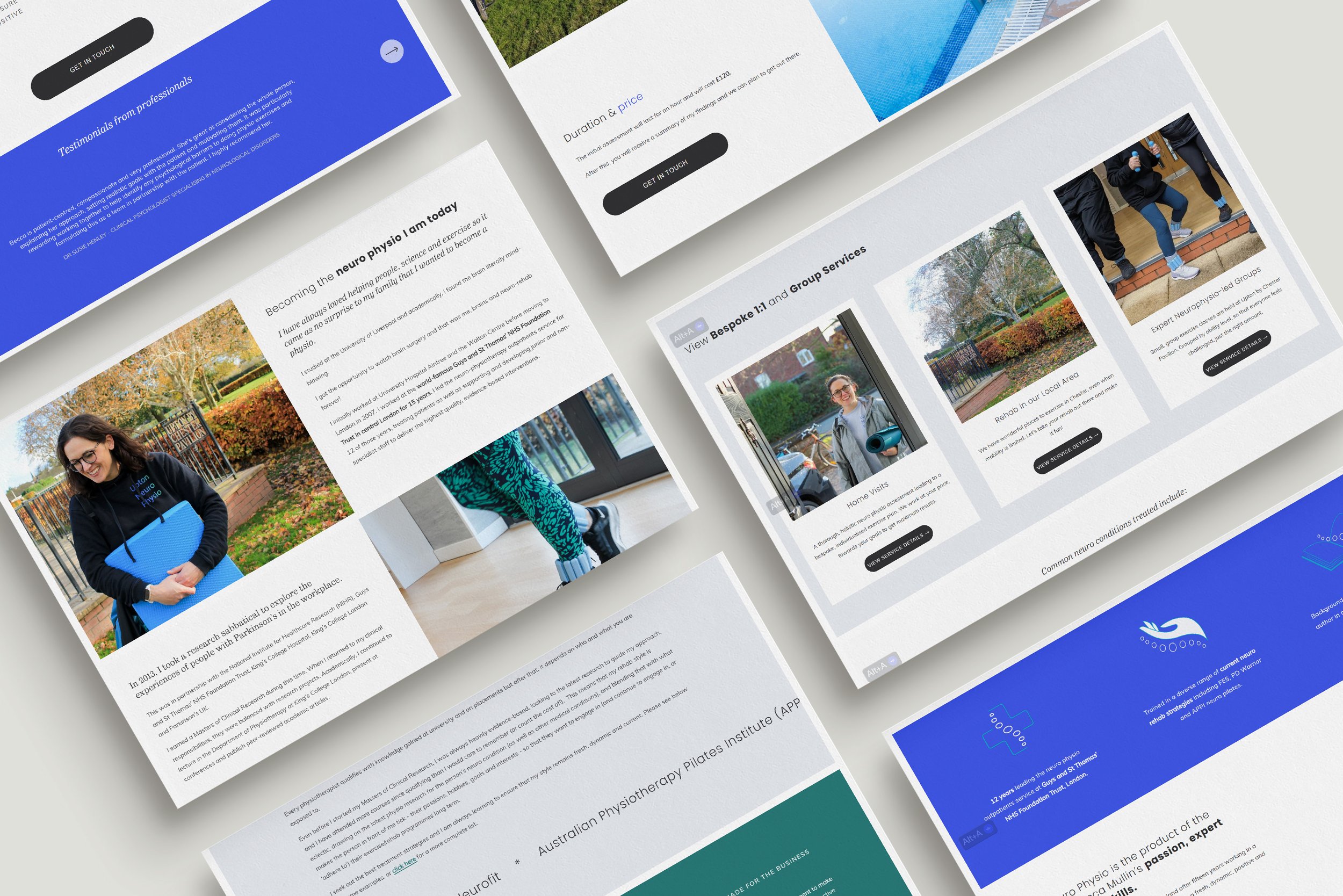
Upton Neuro Physio
For a lot of physiotherapists, the main obstacle to creating a website for your clinic is simply not knowing where to start and having the time to do it properly.